

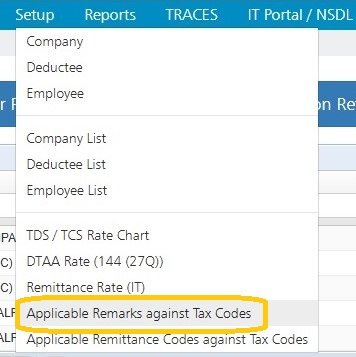
TDSMAN Online provides the option to view the Tax Codes for a particular Tax codes for the selected Form No. and Tax Year. In order to do this click on ‘Setup’ > ‘Applicable Remarks against Tax Codes’, as shown below :-
The following screen will get displayed :
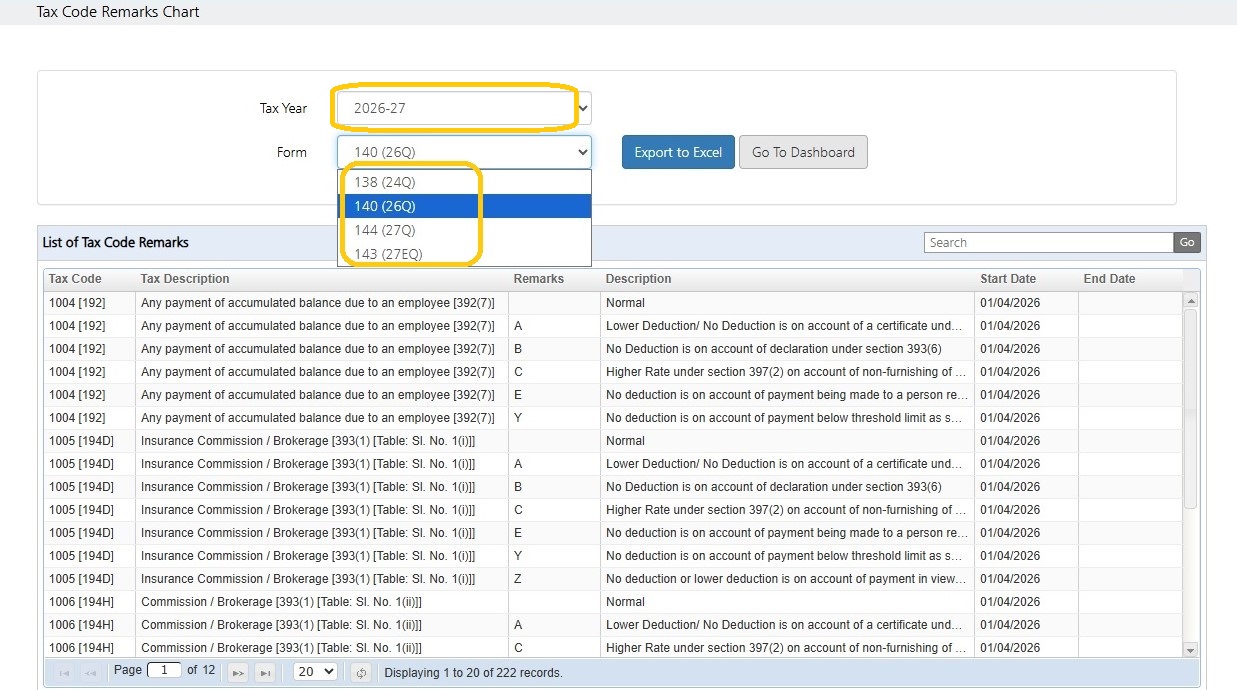
Select the Form and Tax Year :
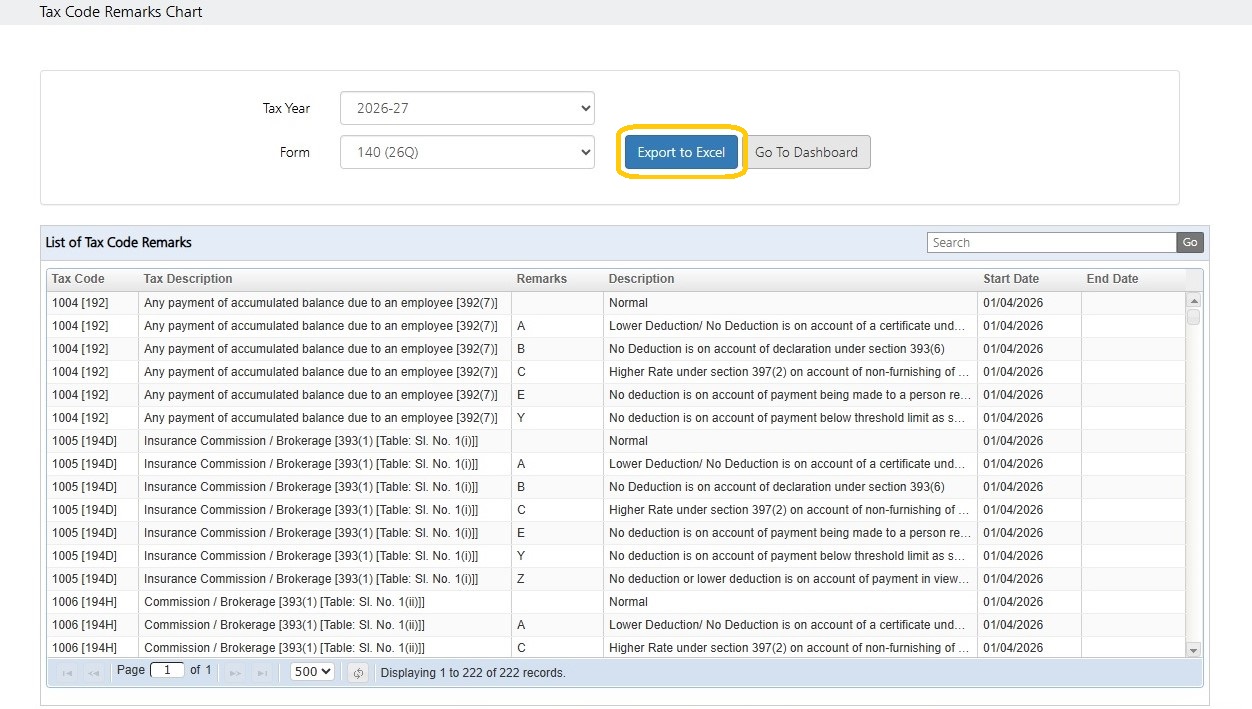
The Reason(s) for the selected Form and Tax Year and section will get displayed as shown above
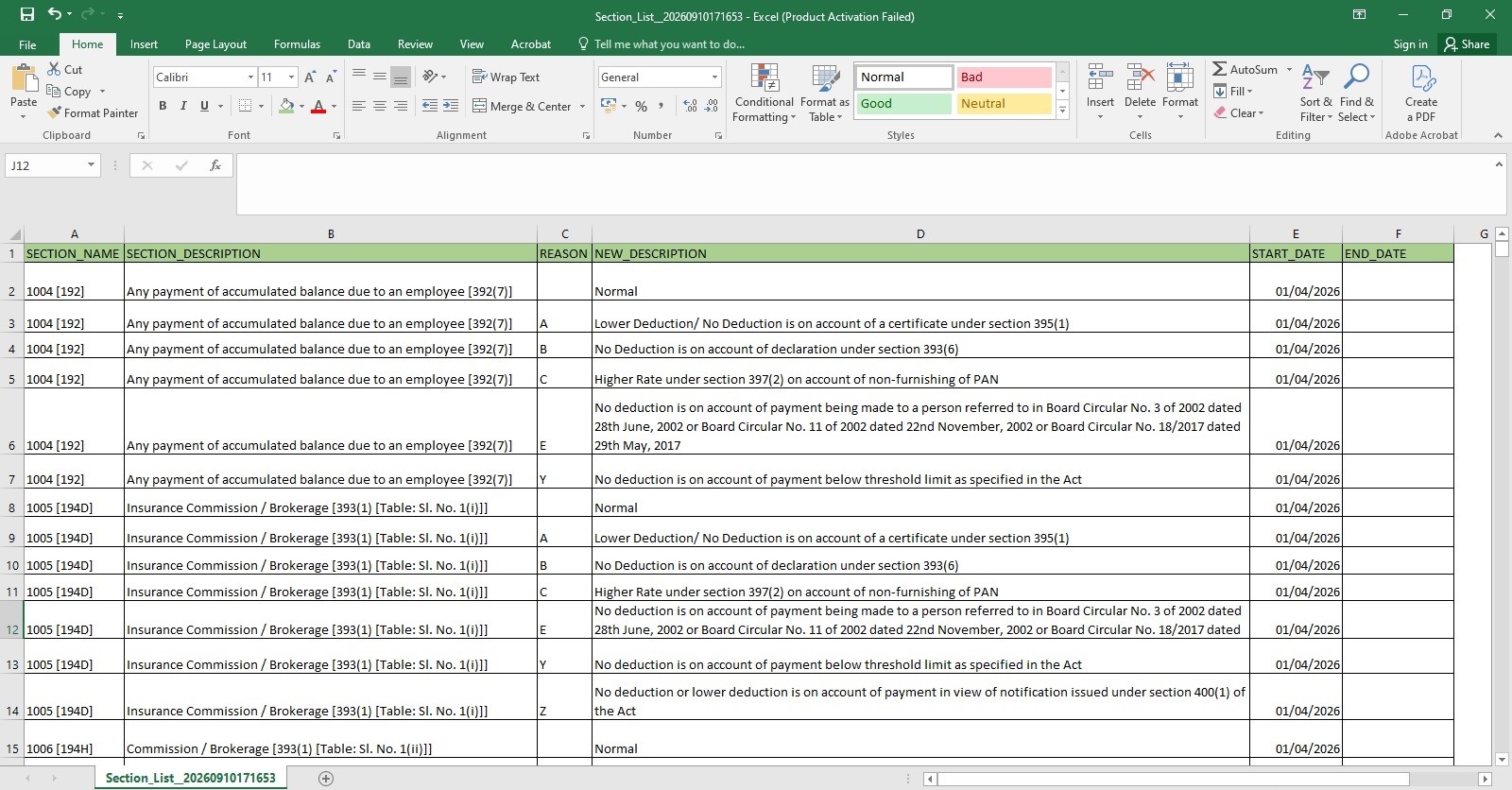
In order to export it to the Excel file, click on ‘Export’
Need more help with this?
TDSMAN Online - Support