

One can view the details of each ‘Plan’ that was purchased along with utilization details. In order to do so click on ‘Utilities > Plan Details’. The following screen will get displayed :-
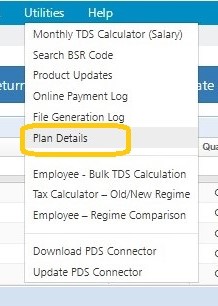
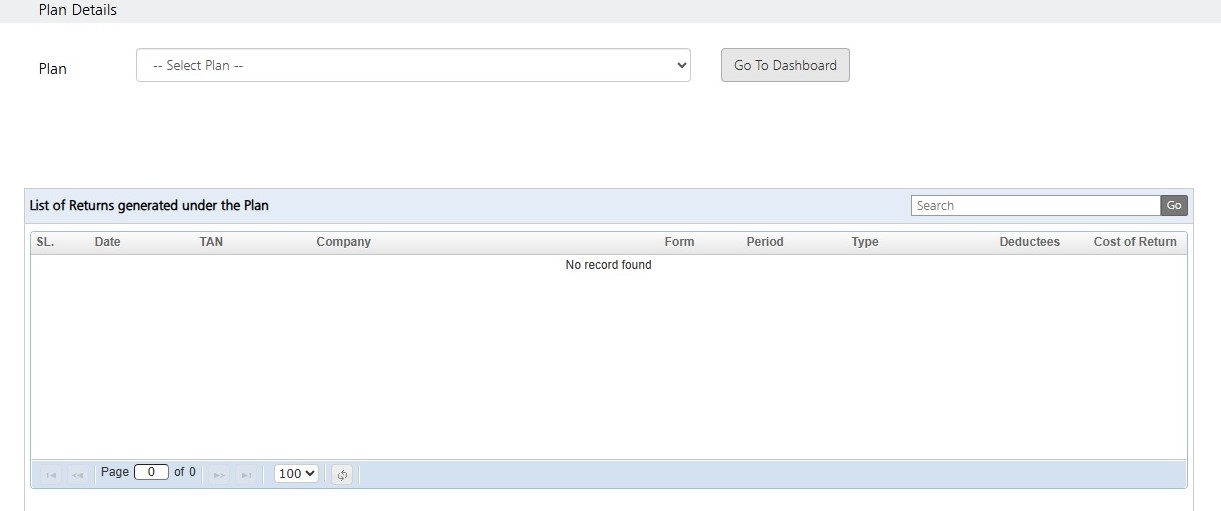
Click on Plan Details. The following screen will get displayed :
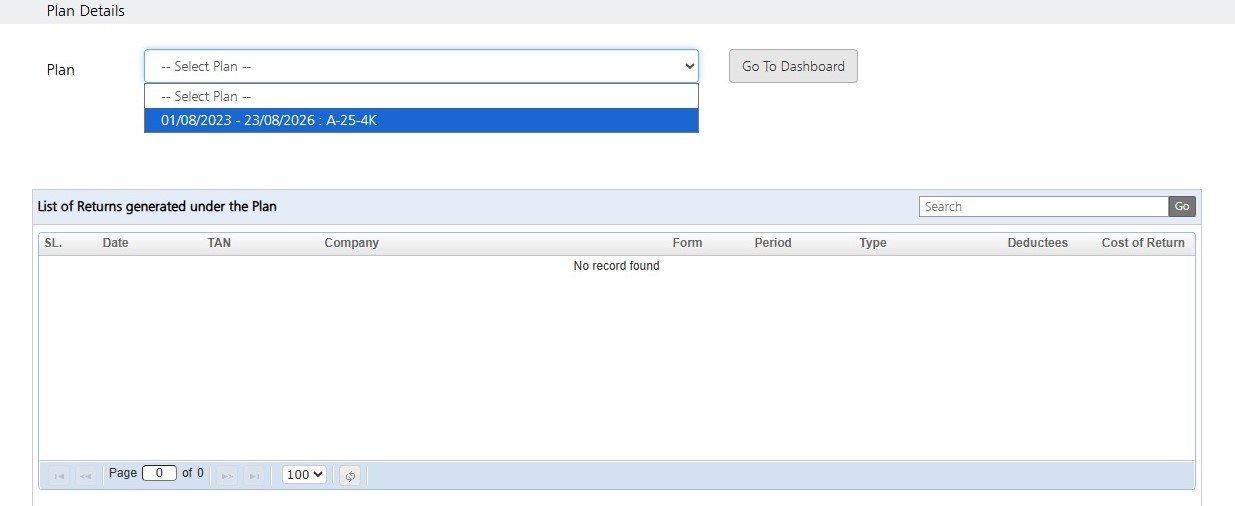
Select a plan
On selecting a particular plan, the following screen will get displayed :
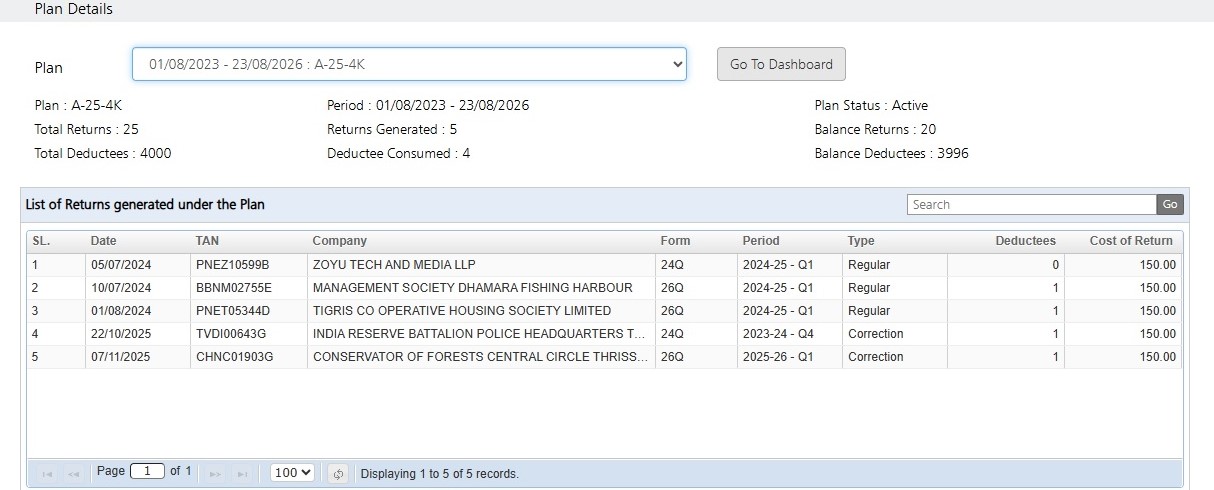
All the details of the selected plan will get displayed, as shown above.
Need more help with this?
TDSMAN Online - Support